
Broom POV AI Video Maker
A broom POV video shows you flying on a witch’s broom with the camera right beside you. Upload a photo and the AI makes that flying shot for you.
1. Upload a portrait photo
2. Pick a sky (optional)
3. Your broom riding video
Updated Oct 2026
What is a broom POV video?
A broom POV video is a short vertical clip filmed, or generated, from a point of view that flies alongside someone riding a witch’s broom. It is one of the most shared formats of the Halloween broom riding trend, usually captioned “POV: …” and set to a trending sound.
How to make a broom POV video with AI
- Upload a front-facing photo of yourself.
- Choose the sky you want to fly through.
- Generate, then download the MP4 and add your POV caption.
For posting tips, see the broom riding trend guide.
Broom POV ideas for captions
- POV: your ride is finally here 🧹
- POV: you skipped traffic this Halloween
- POV: the group chat said “meet at the castle”
Broom POV examples
Pick one of four skies. Illustrations show the scene; your video uses your own photo.
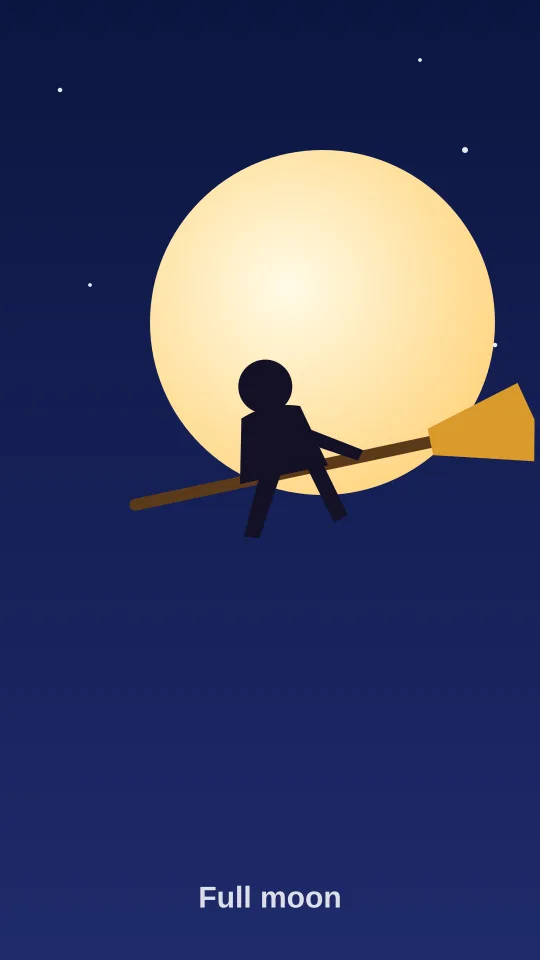
Full moon broom ride
A rider lifts off on a wooden broom and glides across a giant glowing full moon.
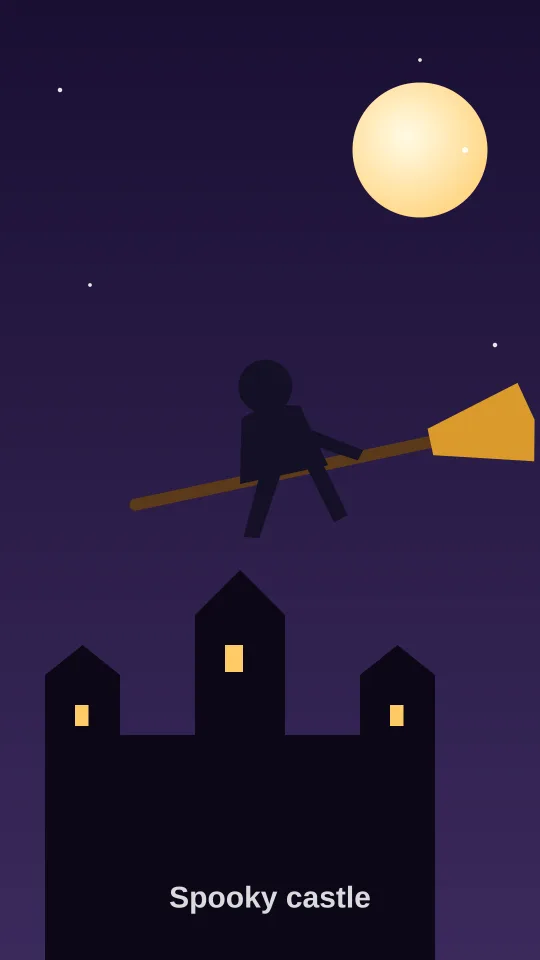
Spooky castle fly-by
A broom POV flight over a misty gothic castle with glowing windows and bats.
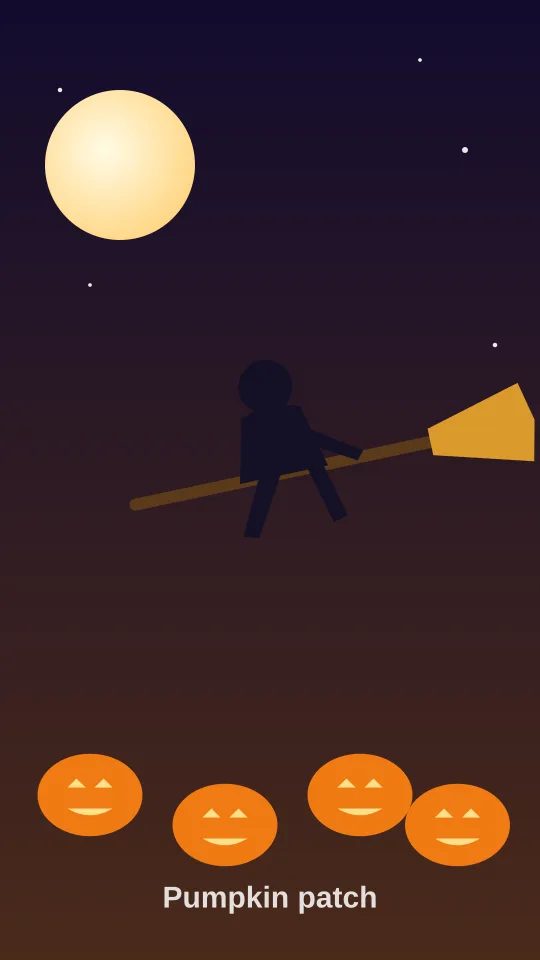
Pumpkin patch flight
Flying low over a moonlit pumpkin patch full of glowing jack-o-lanterns.
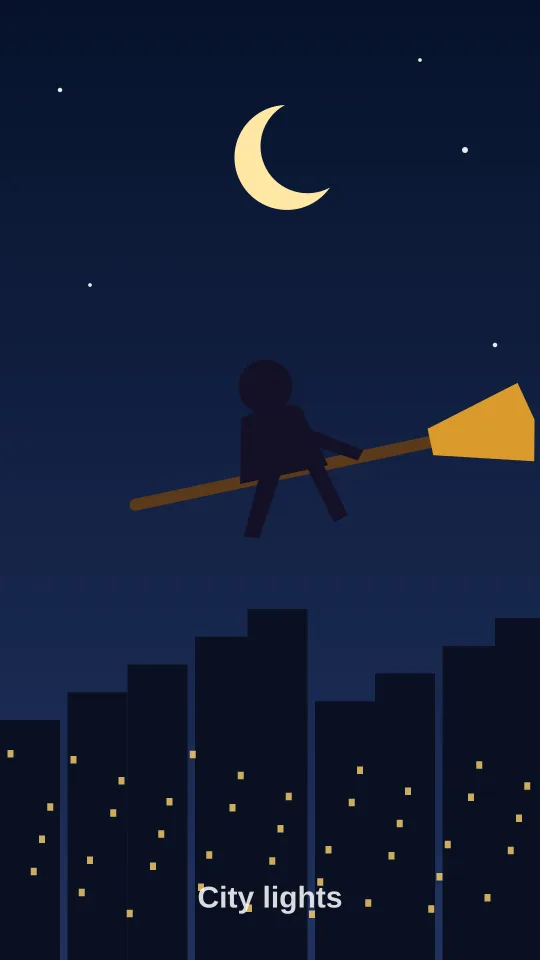
City lights broom POV
Soaring above a sparkling city skyline at night under a crescent moon.
Broom POV FAQ
How do I make a broom riding video from a photo?
Upload one clear portrait photo, pick a sky style such as full moon or spooky castle, and press Generate. The AI animates you riding a broom and returns a short MP4 you can download.
Is the broom riding AI generator free?
Creating an account is free, but each video uses credits: a standard video costs 10 credits and HD costs 20. Credit packs start at $4.99, with no subscription required.
What is the difference between broom riding and broom POV?
They describe the same trend. "Broom riding" names the action, while "broom POV" refers to the point-of-view framing, as if the camera is flying next to you on the broom.
How long does it take to generate?
Most videos are ready in about 1 to 3 minutes. During busy hours around Halloween it can take a little longer; keep the tab open and the video will appear automatically.